Gating: Pro (
vfx) for the engine effects · Agency · AI (vfx_ai) for AI-segmentation
· Agency · Tracking (vfx_tracking) for motion tracking. Locked tiles stay visible (dimmed) with
an upgrade link.The gallery
- Browse by category, or search to filter across labels, descriptions, and categories.
- Sample previews — each card shows a poster of the effect; hover (on desktop) to play a short looping sample. Removal effects (background/chroma/object) show a before → after.
- Rearrange — switch to My layout to drag cards into any order you like (and hide ones you never use). Your arrangement is saved to your account and restored on every device.
- Run — click Run effect, choose the input clip (and a second clip / mask where needed), set options, and go. Save as composition to keep a recipe for reuse.
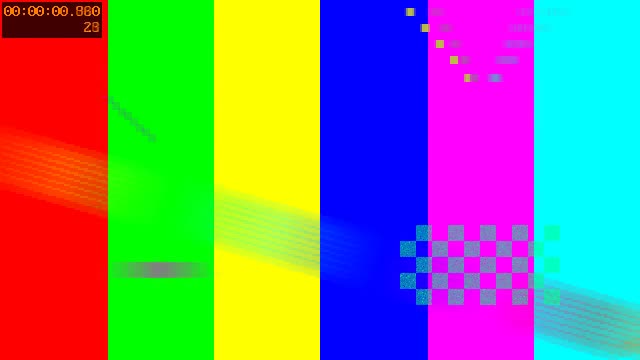
Sample previews sell each effect at a glance.
Background removal & keying
Remove background (AI)
AI matting — cut the subject out of a photo or video with no green screen. Output a
transparent cutout (alpha WebM / ProRes 4444 / PNG) or composite onto a new background.
Remove background (green screen)
Chroma key with despill (green or blue). Export a transparent clip (WebM/VP9 or ProRes 4444) or
composite over a backdrop. Free, in-engine — no credits.
yuva420p) for the web, ProRes 4444
(yuva444p10le) for editing, PNG for stills. MP4 cannot carry alpha and is rejected on purpose.

Background removal — before and after.
One-click effects (22)
All in-engine, one click, with a couple of clamped sliders each.- Ghost — Ghost trails, Phosphor echo, Ethereal ghost, Shimmer / heat-haze.
- Composite (needs a 2nd clip) — Ghost over plate, Double exposure, Overlay (Screen) for fire/sparks/particles on black, Overlay (Multiply) for dust/scratches on white, Twin (split screen).
- Stylize — Light leak, Film grain.
- Time — Speed change, Motion blur, Punch-in zoom, Vignette.
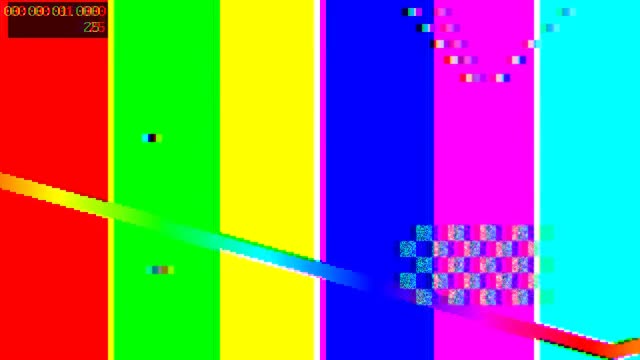
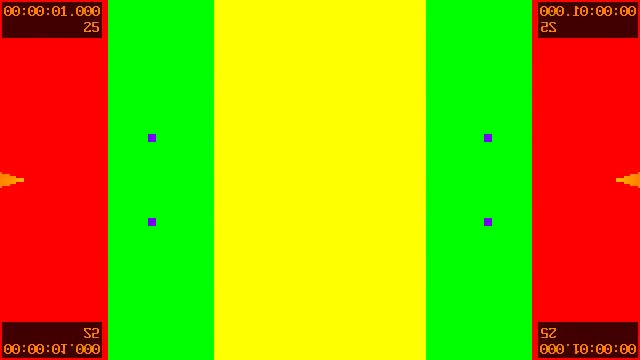
- Glitch — RGB split, VHS / glitch, Mirror, Kaleidoscope.
- Colour — Cold tint, Warm tint, Black & white.
Ghost trails
RGB split
Kaleidoscope
AI segmentation (Agency · AI)
Text behind subject
Place a caption between the subject and the background — the words read as printed on the wall
behind the person. AI matting, no green screen.
Replace background / sky
Matte the subject and drop in a new background or sky (image or video).
Remove object / person
Draw a mask over what to erase; it’s reconstructed in-engine (cv2 inpaint, no credits). An
operator-configured provider model gives higher quality on large regions.
Motion tracking (Agency · Tracking)
- Analyze motion — point or planar (region) tracking with OpenCV → a reusable track artifact.
- Tracked overlay — pin a logo, label, or element to a moving point so it follows the subject.
Roto (mask-driven)
Draw a mask in the editor, then:- Clone (overlapping) — show a second pass of the subject only inside the mask — the crossing / overlapping clone trick.
- Portal (split) — reveal a second clip through a drawn portal region while the base fills the rest.
Compositions editor
Save any effect as a composition, then open the editor to:- Layers — stack clips/elements with blend mode, opacity, and time range (reorderable).
- Mask — draw polygon / ellipse masks with feather; the mask drives roto and object removal.
- Reuse — load, rename, duplicate, or delete saved compositions as templates.
Over the API
Everything is scriptable. Presets list viaGET /vfx/presets; run any preset with POST /vfx/render
({ preset_key, params, inputs }). Dedicated endpoints exist for background-remove, chroma-key,
text-behind, background-replace, object-remove, roto-composite, track, and tracked-overlay
(public twins under /v1/vfx/*, scope jobs:create + the matching entitlement). See the
API Reference tab.